The Theme Builder provides a visual interface for creating and customising AG Grid themes. You can export themes to use in your application, and import existing theme code back into the Theme Builder for further modification.
Exporting Themes Copy Link
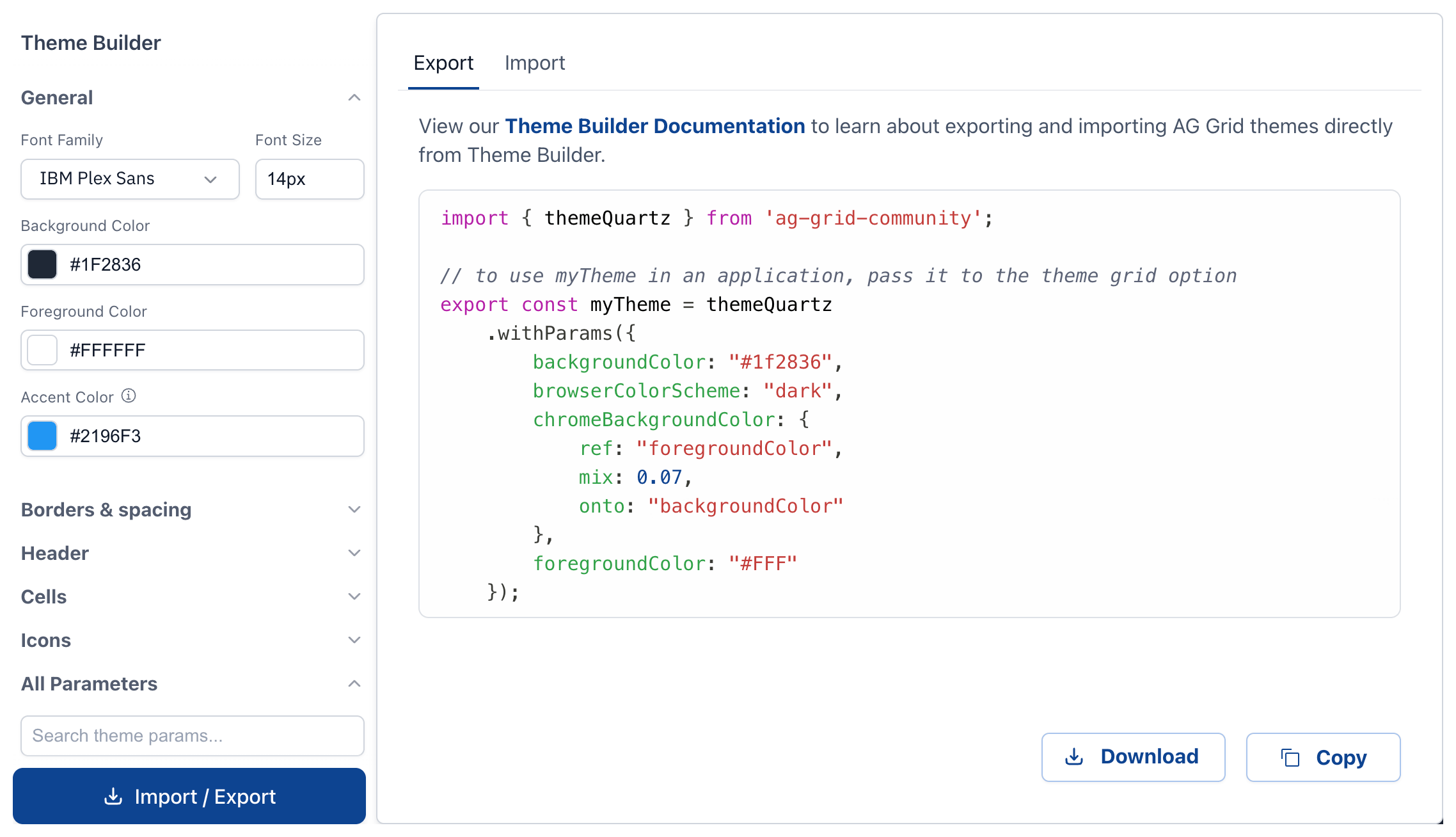
To export your theme from Theme Builder:
- Click the "Import / Export" button at the bottom left of the Theme Builder
- The "Export" tab shows JavaScript code that creates your theme
- Click "Download" to save as a file, or "Copy" to copy to your clipboard
The exported code defines a theme using Theme Parts and Theme Parameters:
import { themeQuartz, iconSetQuartzLight } from 'ag-grid-community';

export const myTheme = themeQuartz
    .withPart(iconSetQuartzLight)
    .withParams({
        accentColor: "#5A9F7D",
        borderRadius: 8,
        headerTextColor: "#2E4A3F"
    });
To use the exported theme, pass the theme object to the theme grid option, see Built-in Themes examples in your framework.
Importing Themes Copy Link
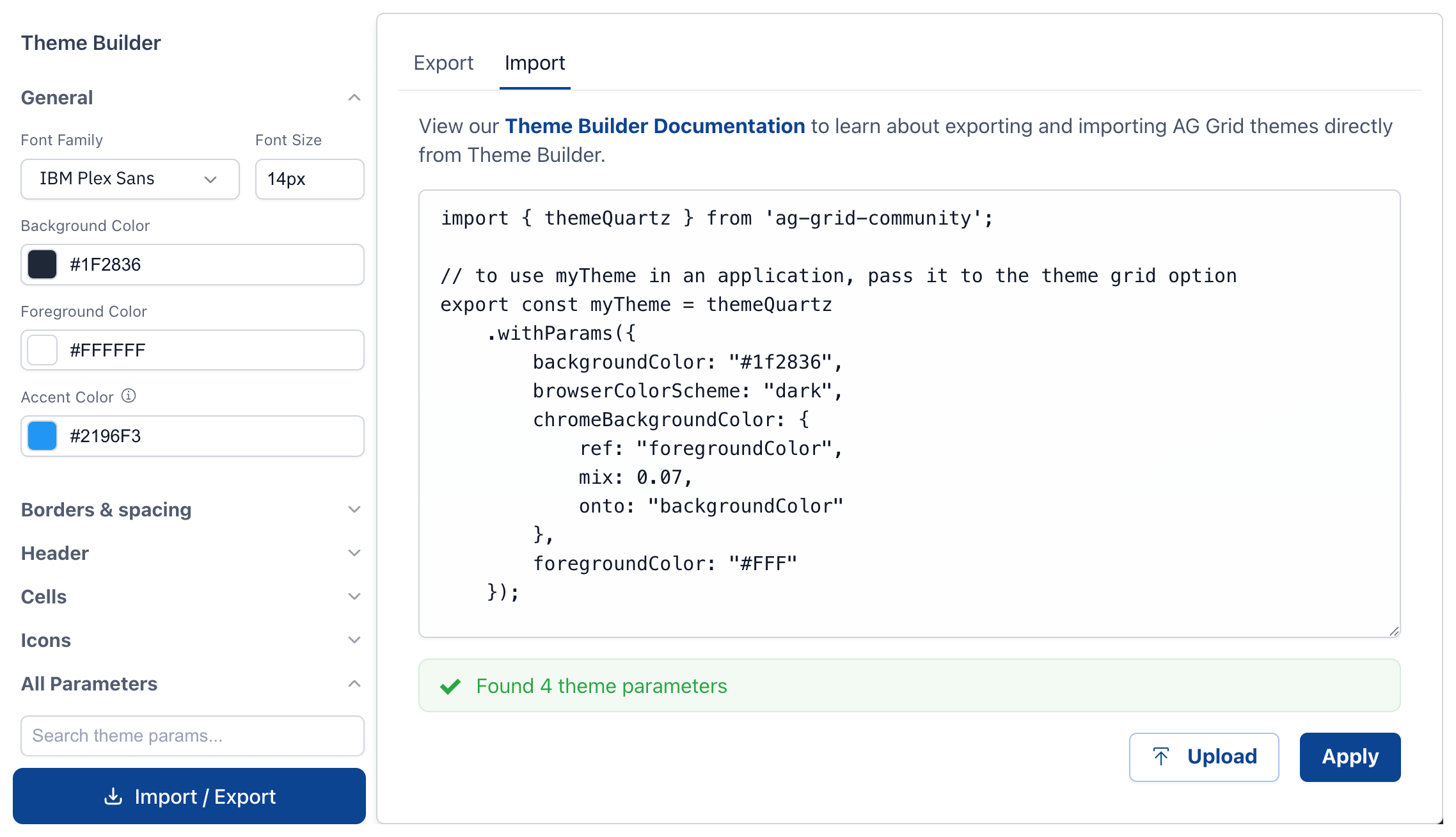
Theme Builder can import existing theme code. Select the "Import" tab and drag or upload a code file, or paste in code.
The import feature is designed to handle code generated by the Theme Builder, and will still work if the code is lightly edited such as adding, removing, and changing values, or reformatting.
If you plan to re-import your themes, preserve the essential format of the file where values are parameterName: literal-value pairs. For example, avoid refactoring it to use variable references like accentColor: ourDesignSystem.brandColor